
User Guide: How to Deposit Funds Before Using AutopostMarketing
After registering and logging into your account on autopostmarketing.online, funding your account is a straightforward process required before purchasing subscription plans and running your automated marketing campaigns. Follow these simple steps to add funds:
Step 1: Access the Profile Menu
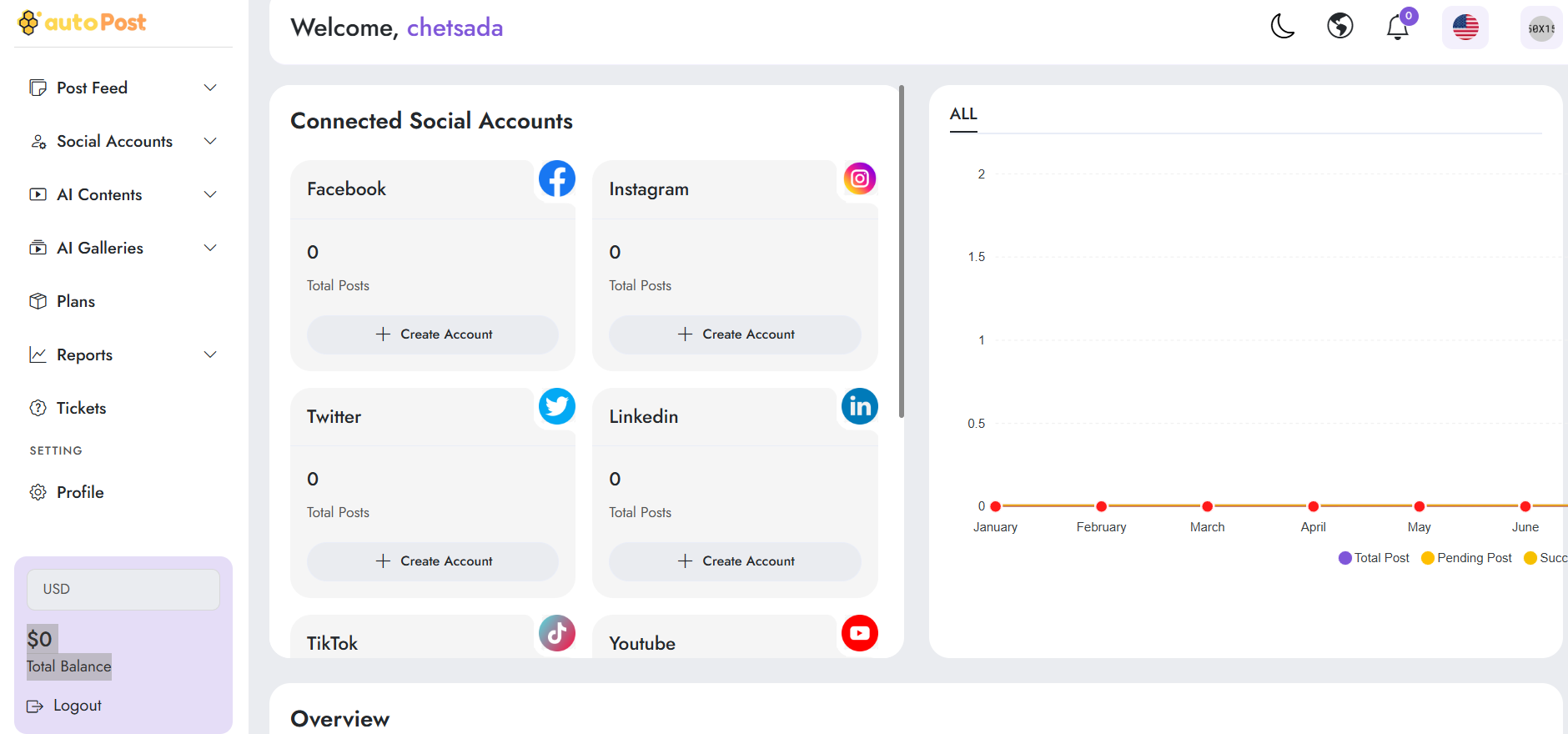
From your main dashboard, navigate to the sidebar menu on the left and click on Profile (located under the SETTING section) to open your account settings.
Step 2: Locate the Balance & Deposit Area
On your Profile overview page, look toward the right-hand side of the main account panel where your current Balance and account actions are displayed.
Step 3: Click on "Deposit"
Click directly on the Deposit button next to Withdraw to initiate the transaction request.
Step 4: Navigate to the Deposit Page
The system will redirect you to the Make Deposit page (/user/deposit/request), where you can review available payment gateways (such as Stripe).
Step 5: Specify Amount and Select Package
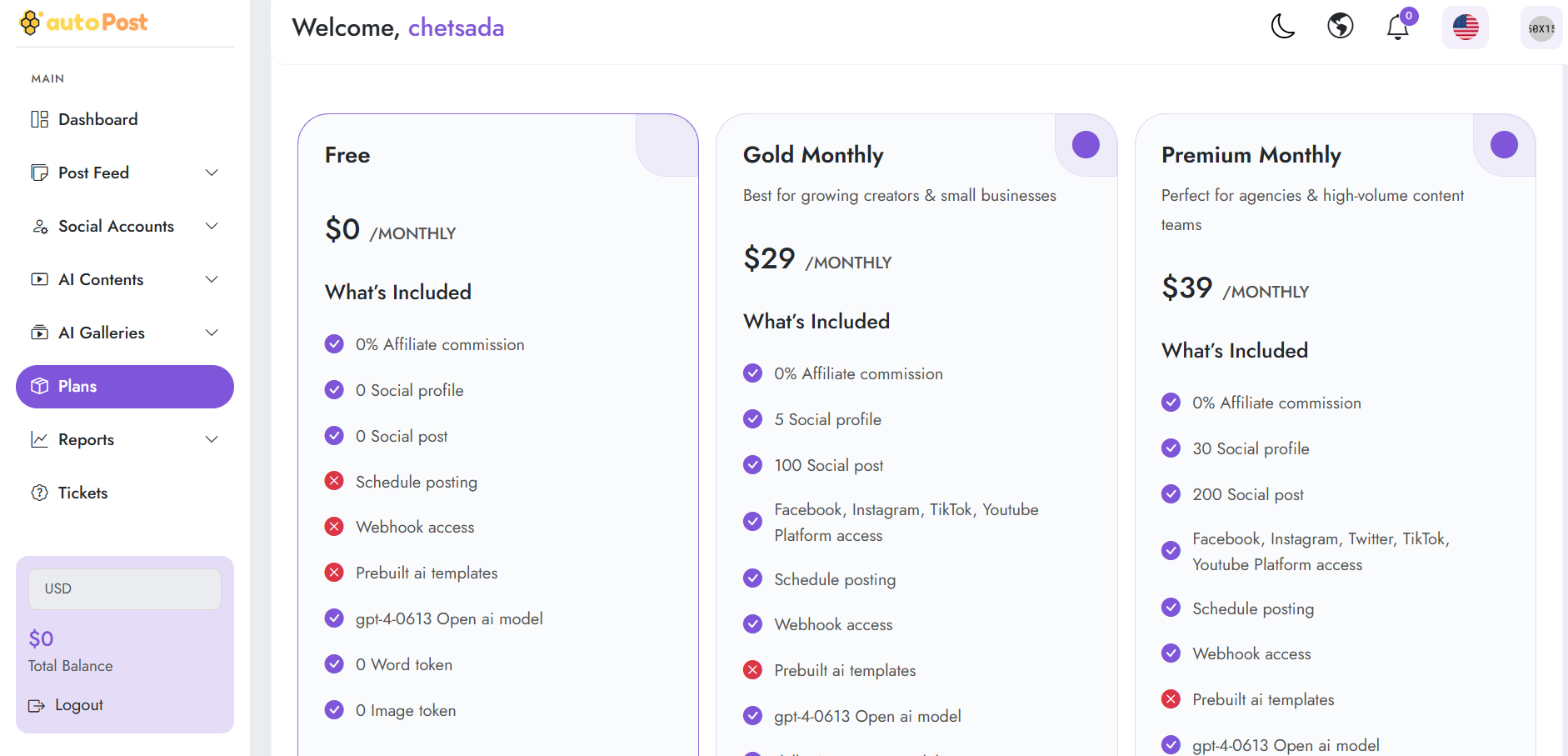
Review the transaction limits (e.g., $10 - $250), enter your desired deposit amount, select your payment method, and complete the transaction to successfully fund your account and purchase your desired marketing packages.
Feel free to let me know if you would like any adjustments to the wording or want to proceed with the next topic!