
User Guide: How to Select and Purchase Your Package
After successfully depositing funds into your account, you are ready to choose the right subscription plan or package that fits your marketing needs on autopostmarketing.online. Follow these steps to select your package:
Step 1: Navigate to the Plans Menu
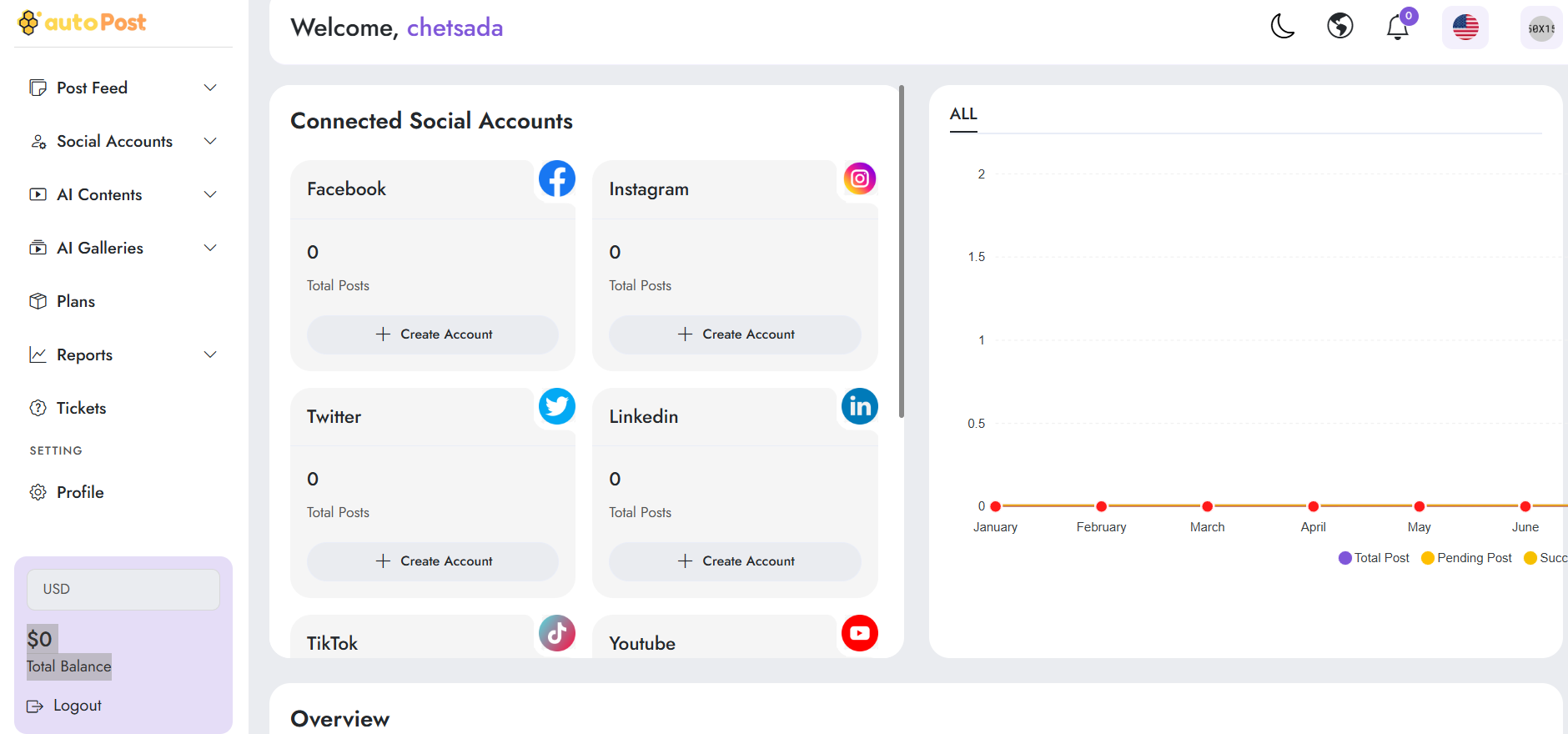
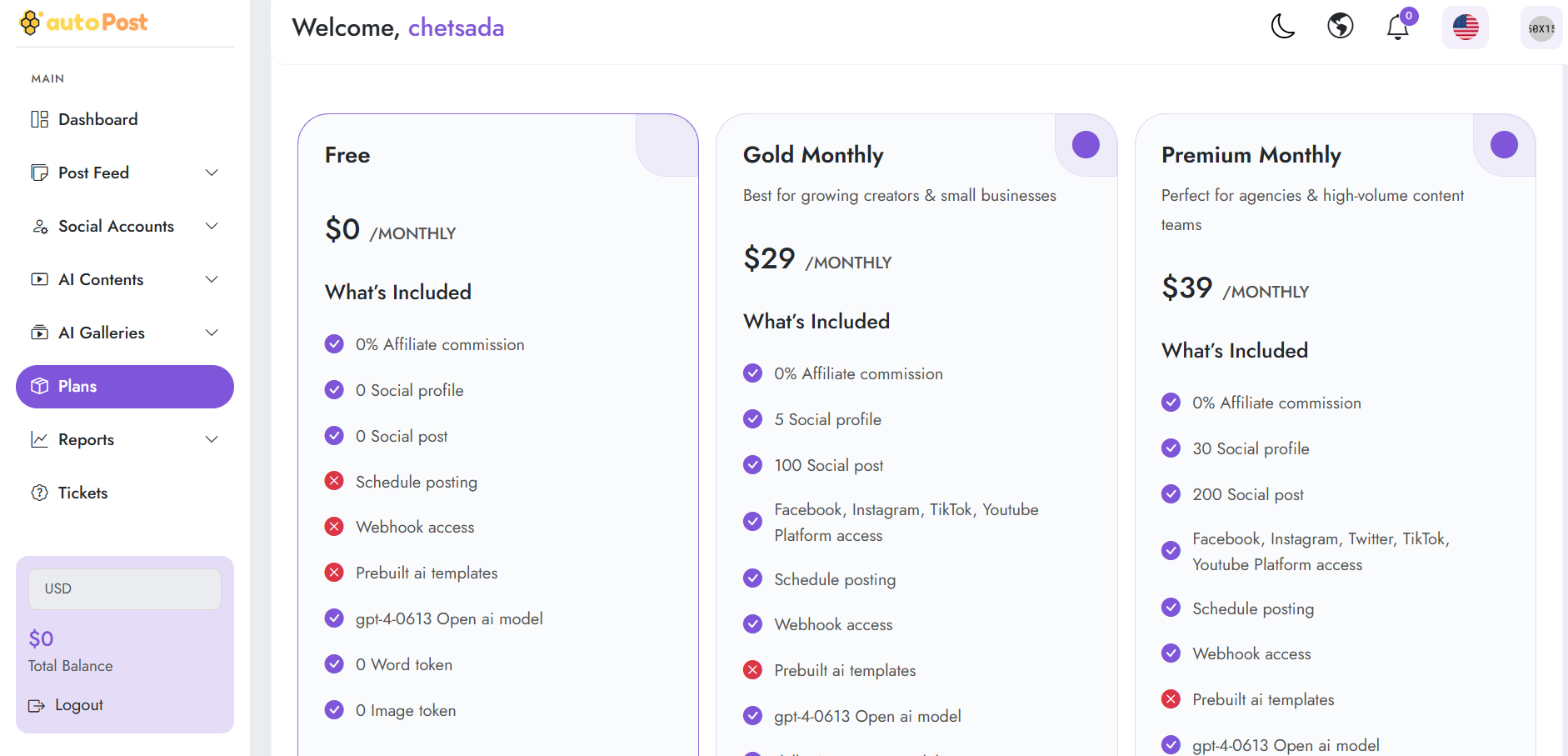
From your main dashboard, look at the left-hand sidebar menu and click on Plans (located under the MAIN section) to view all available marketing and automation tiers.
Step 2: Review Available Packages
Browse through the list of available subscription packages displayed on the screen. Each package details its features, posting limits, and pricing (deducted directly from your account balance).
Step 3: Select and Confirm Your Package
Choose Your Tier: Evaluate the options based on your business scale and select the plan that best suits your requirements.
Confirm Purchase: Click on the Subscribe Now or Select Plan button for your chosen package. The system will process the payment using your current account balance and instantly activate your automated marketing features.